Office 2019 End of Life: Why Your Word Won't Explode Tomorrow (and How to Keep Using It Safely)
October 14, 2025 is history. According to the gloomy warning messages Microsoft has been pushing into your taskbar for months, the digital world should now be a dangerous place for Office 2019 users. "End of Life" (EOL) has been reached. Official support is dead.
But you know what? This morning I opened up my laptop, launched Word 2019 and... absolutely nothing happened.
No blue screen. No warning sirens. My document simply opened. The cursor is blinking in the same spot as yesterday.
Even so, I sense massive uncertainty in my readers' emails. And rightly so. When a manufacturer says "We don't take care of it anymore," that sounds like a security risk. And this is exactly where we need to have a frank talk. There are worlds between the marketing pressure ("Just buy the subscription already!") and the real technical necessity.
In this article I'll show you why Office 2019 remains a solid choice for you even after the cut-off date, where the real dangers lurk (spoiler: it's not necessarily the missing patch) and why a legitimate license key from a specialist retailer lets you sleep better at night than a 3-euro key from the bargain bin.
The Elephant in the Room: What Does "End of Life" Really Mean Technically?
Let's dive briefly into the mechanics, but without the technical jargon. With software, "End of Life" doesn't mean a self-destruct mechanism gets activated. The code on your hard drive stays exactly the same as before the cut-off date. It is your property – or more precisely: your perpetual usage license.
Technically, exactly three things change:
- No more bug fixes: If you now find a bug where Excel crashes when you type "coffee" into cell A1, it will no longer be fixed.
- No technical customer support: You can no longer call Microsoft when you have problems (which, as a private user, rarely happens anyway).
- No security updates: This is the critical point. If a hacker finds a new vulnerability, Microsoft will no longer close that door in the 2019 version.
The Secret of "Custom Support"
Here's something Microsoft doesn't tell you in its promotional emails for Microsoft 365: the software isn't suddenly "insecure" or "broken." Large organizations such as governments, the US military and Fortune 500 companies often continue to use Office 2019 or even older versions. They pay Microsoft millions for so-called "Custom Support Agreements" in order to keep receiving updates after the official EOL.
Why is this important for you? It proves that the Office 2019 code is stable and maintainable. It isn't outdated. It just isn't maintained free of charge for the public anymore. The substance you're working on is industry standard.
Why "No Updates" Can Even Be an Advantage
Do you know this? You start up the PC in the morning, Microsoft installed an update overnight, and suddenly all the menus are somewhere else or a feature has been "improved" (i.e. made worse). That drives me absolutely crazy.
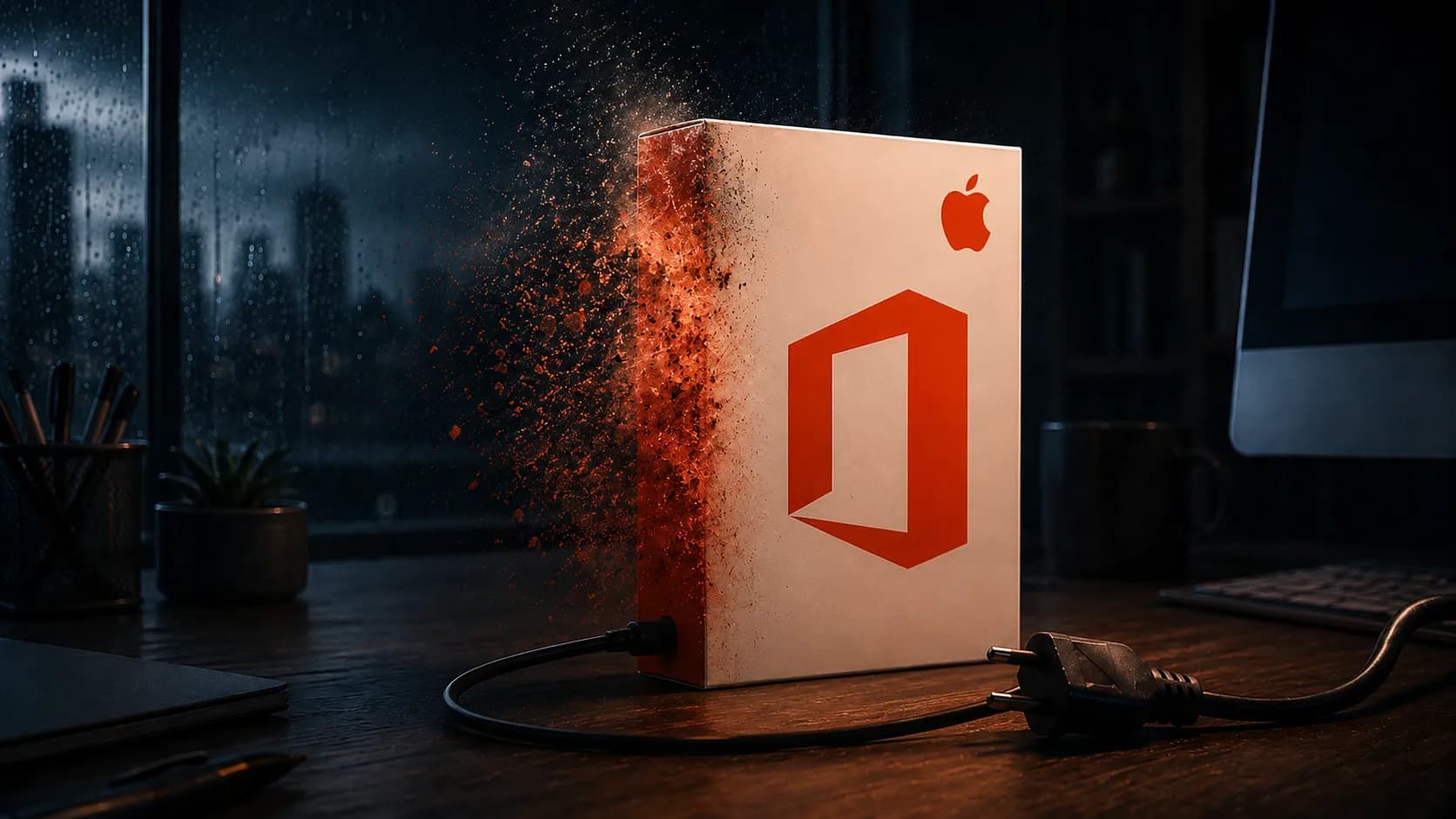
With the EOL of Office 2019, you reach what's known as the "Frozen State". The system no longer changes. Never again.
- Your menus stay where they are.
- Your workflows are not disrupted.
- No annoying pop-ups for new AI features ("Copilot") that want to scan your data.
- Performance: I recently ran a benchmark on an older laptop. Word 2019 started up almost two seconds faster than the current Microsoft 365, because it isn't constantly searching for cloud connections in the background.
For many of my readers who simply want to get their work done, this standstill isn't a shortcoming but a blessing. A hammer doesn't need a monthly update to drive nails into the wall either. It just needs to be stable. And that's exactly what Office 2019 is: mature, finished and stable.
The Real Risks: A Reality Check
I don't want to fool you: there are risks. Anyone using unpatched software is driving without an airbag. But you don't deliberately drive into walls. The threat landscape has shifted.
The "Onion Principle" of Security
Many users believe: "Office has a vulnerability = my PC gets hacked." That's no longer true. For an attack to succeed today, it has to penetrate several layers before it even reaches Office:
- The router: Your hardware firewall blocks direct attacks from the network.
- The operating system: Windows 10 or 11 continues to be updated.
- The Defender: The Windows antivirus often detects malicious behavior at the process level.
- The application: Only here does Office come into play.

If you keep your Windows up to date, your "unpatched" Office sits in a highly secure bunker. The likelihood that an attacker would specifically use a zero-day vulnerability in an old Office version to reach private users is low. Hackers look for the path of least resistance.
Outlook Is the Sore Point
Here I'll get serious for a moment. While Word and Excel are "passive" tools (they only do something when you open a file), Outlook is active. It communicates with the internet, receives data packets, renders HTML newsletters and loads images.
If there's a critical vulnerability in the "Preview Pane," then theoretically merely clicking on an email could be dangerous.
My recommendation for the security-conscious: Keep using Word, Excel and PowerPoint 2019 as before. From a security standpoint that's defensible. But consider switching to an alternative for email that still receives updates.
- Thunderbird: Free, open source and very secure.
- Webmail: Gmail or Outlook.com in the browser are extremely secure, since the browser runs in a "sandbox."
That's the small compromise you can make for the savings of the one-time purchase version.
The Architecture (.docx) Protects You
Here's a technical detail that often gets overlooked. Since Office 2007, the files have been based on the Open XML Format (recognizable by the "x" at the end, i.e. docx, xlsx). In the past (.doc), files were binary code snippets in which viruses could be perfectly hidden. Today they are essentially ZIP containers full of harmless XML text files.
It's extremely difficult to pack executable malware into a pure XML structure that becomes active when the file is merely opened. As long as you don't accept old .doc files from strangers, the file format itself protects you. Office's architecture today is fundamentally more robust than it was in the Windows XP era.
Practical Guide: How to Harden Office 2019 (Step by Step)
Want to stick with Office 2019? A good decision for your wallet. So that you can sleep soundly, please make these three settings now. It takes less than 2 minutes.
1. Disable Macros Mercilessly This is gateway number 1. Criminals use macros (VBA scripts) to download malware. The insidious part: macros are a feature, not a bug. Even the latest Office 365 won't protect you if you allow macros.
- Go to File > Options > Trust Center.
- Click on Trust Center Settings.
- Choose Macro Settings.
- Select the option: "Disable all macros without notification".
With that you've eliminated 90% of the real threats. If you don't use automated inventory-management scripts, you won't miss anything.
2. Defuse the "Preview" Trap in Explorer Sometimes attackers exploit vulnerabilities in the preview function of Windows Explorer.
- Open a folder.
- Go to "View."
- Disable the Preview Pane. This prevents Windows from trying to load an infected file in the background just because you clicked on it.
3. The Sandbox for the Paranoid If you really do have to open a file you don't trust: use the Windows Sandbox (included in Windows Pro). It's a disposable Windows that runs isolated in a window. Drag the file in, open it, print it. Close the window -> everything's gone, viruses included. It doesn't get more secure than that.
eBay vs. Specialist Retailer: Why Provenance Matters Precisely Now
You're probably here because you want to save money. That's smart. But beware: there's a huge difference between "affordable" and "cheap."
Maybe you're thinking: "If support is gone anyway, I might as well grab the 5-euro key on eBay, right?"
That's a dangerous fallacy. Precisely now, when no more updates are coming, the integrity of your installation is the most important thing.
The Risk of "Dirty ISOs"
With cheap keys you often don't get a download link from Microsoft (because the old versions are hard to find there), but rather a link to a Google Drive or Mega upload. Who guarantees that this installation file doesn't already have a back door built in? You might be installing a version of Office that's compromised straight from the factory. From us you get verified, original installation media (hash values matched against Microsoft originals). You start with a clean system.
Activation Roulette
Cheap keys are often volume licenses (MAK) or developer keys (MSDN) that aren't intended for resale. Microsoft regularly blocks these keys – often only after months. Imagine: you set everything up, work for three months, and suddenly Word says: "Product not licensed." The eBay seller no longer exists. Your money is gone, and worse: you have to reinstall your system because you don't know what the key did in the background.
We sell audit-proof software.
- Verifiable chain: The license is legally "exhausted" and belongs to you.
- EU law: The ECJ confirms resale. You're buying property, not a gray area.
- Activation guarantee: Since Microsoft has discontinued support, we'll help you if phone activation ever gets stuck.
Security doesn't just mean being virus-free, it also means planning certainty. You want a tool that belongs to you and that still works tomorrow.
A Word on Our Own Behalf: Keywi24 - 🛡️ Security Doesn't Have to Cost a Fortune – But It Has to Be Provable At Keywi24 we draw a clear line against the gray market. We don't sell anything whose provenance we can't prove without gaps. 100% audit-proof: Our licenses withstand any audit – important if you also use them professionally. No gray area: You receive verified software with a documented chain of rights. The fair price: On average you save 30 to 40% compared to the original price, without giving up the security of an official specialist retailer. 👉 [Button/Link: Here's where to find our verified Office licenses]
When You Should Upgrade After All (The Honest Advice)
I'm a fan of using hardware and software for as long as possible. But there are scenarios where an upgrade to Office 2021 LTSC (the successor) makes sense.
Office 2021 is likewise a purchase version (not a subscription!), but it's still supplied with updates until October 2026.
An upgrade is worthwhile if:
- You work with sensitive data: As a doctor, lawyer or tax advisor, you can't afford "End of Life" software for compliance reasons (GDPR). In the event of a data breach you'd have a liability problem.
- You're an Excel power user: Office 2021 has functions like
XLOOKUPor dynamic arrays that don't exist in 2019. - You love dark mode: In 2021 it's finally mature and easy on the eyes.
But if you "only" write letters privately, manage the club treasury or type up quotes, Office 2019 with the security measures mentioned above is still entirely sufficient.
Conclusion: Stay Calm and Keep Control
Don't let yourself be infected by the "End of Life" hysteria. It's often more of a marketing tactic to sell subscriptions than a technical necessity.
Your Office 2019 is a robust, mature piece of software. Yes, the manufacturer has bowed out. But as long as you keep your Windows up to date, disable macros and don't blindly open every email attachment, your PC is secure.
You made a conscious decision to buy rather than rent. That was a good decision. Treat your software classic with a bit of care, buy licenses from a reputable source, and it will serve you faithfully for years to come – entirely without monthly fees.
In short:
- The software keeps working.
- Your Windows Defender is your new bodyguard.
- Buy your keys where they'll still be valid tomorrow. (e.g. from Keywi24)
Good luck with your continued typing, calculating and presenting!