It's October 2024. Microsoft launches Office 2024. At the same time, your laptop keeps nagging you with pop-ups to finally subscribe to Microsoft 365. And on Keywi24 you'll find cheap keys for Office 2021 or even 2019.
Confused? That's by design.
Microsoft wants you to think: "Everything except the subscription is outdated." But as someone who has been analyzing software ecosystems for years, I can tell you: this is pure marketing. For 90% of private users and small businesses, the expensive subscription is burning money on features they'll never use.
In this article I break down the differences between the four versions, from the technical architecture to the price. We'll clarify why "old" often simply means "proven" and which version really suits your wallet.
The fundamental question: "snapshot" vs. "evergreen"
Before we talk about features, you need to understand the principle. The digital work world has split into two camps.

Camp 1: The snapshot (Office 2019, 2021, 2024)
Think of these versions like a car you bought. You pay for it once, take the key and drive off the lot. Microsoft keeps developing the software continuously. At a certain point (e.g. early 2024) they hit the "pause" button, freeze the current code, press it into a version (Office 2024) and sell it to you.
- The advantage: Your tool doesn't change. In 3 years Word will look exactly the same as today. No nasty surprises from updates that move menus around. We call this "locked-in-time".
- The drawback: You no longer get any new features (but you do get security updates!).
Camp 2: The evergreen (Microsoft 365)
This is the rental car. You pay every month or every year. In return, the car gets secretly swapped for a newer model overnight.
- The advantage: You always have the latest "hot stuff" (AI, cloud features, Copilot).
- The drawback: When you stop paying, you're left without a car. And: the constant changes to the interface can seriously disrupt your workflow.
Watch out: the "Click-to-Run" illusion
Many believe the buy-once versions (like Office 2021) are technically completely different and "older" than the 365 subscription. Wrong. Under the hood, all modern versions use the same Click-to-Run (C2R) technology. Office 2024 is basically a clone of Microsoft 365 in which Microsoft has simply disabled the cloud features via a software switch. What this means for you: The stability, the code and the speed of the buy-once versions are identical to the high-end subscription. You're not working with "inferior" software, just with software that is finished and no longer being changed experimentally.
The generation check: which version can do what?
Let's put the candidates through their paces. Do you really need the latest one?
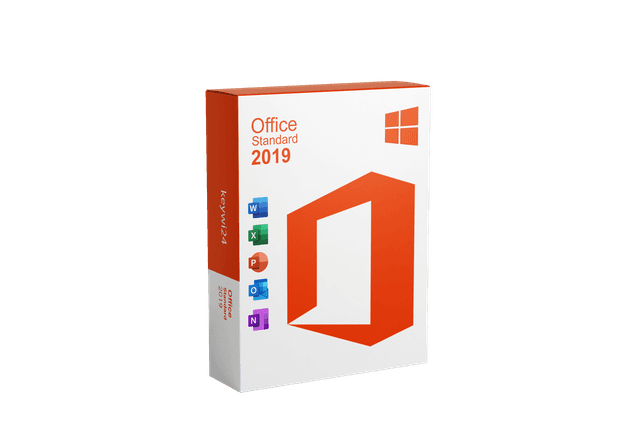
Office 2019: the old reliable
Yes, mainstream support is over (security updates are still available until October 14, 2025). But let's be honest: for typing a letter or keeping a household budget, Office 2019 is still perfectly sufficient.
- The good part: It runs stably. It doesn't pester you with AI suggestions. It barely phones home.
- The catch: Excel is missing modern formulas like
XLOOKUP(XLOOKUP). But if you don't build complex spreadsheets, you'll never notice. - Who is it for? For the second laptop or the PC that only runs offline. If you have it, you can keep it.
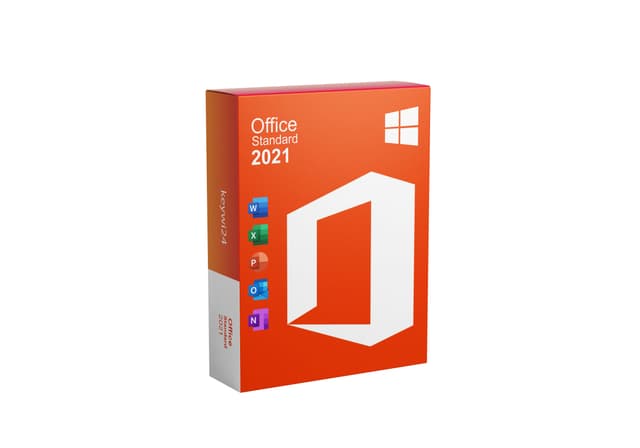
Office 2021: the "sweet spot" (price-performance winner)
This is my secret favorite for most users. Office 2021 was a huge leap that often gets underestimated.
- Game changer: This is where XLOOKUP was introduced, which revolutionized Excel. Dynamic arrays are included too.
- Look and feel: It has the real "dark mode" (dark paper) that's easy on the eyes, and it still looks modern on Windows 10/11.
- Support: Runs until October 2026.
- Bottom line: It offers 95% of the features of Office 2024 at a fraction of the price.
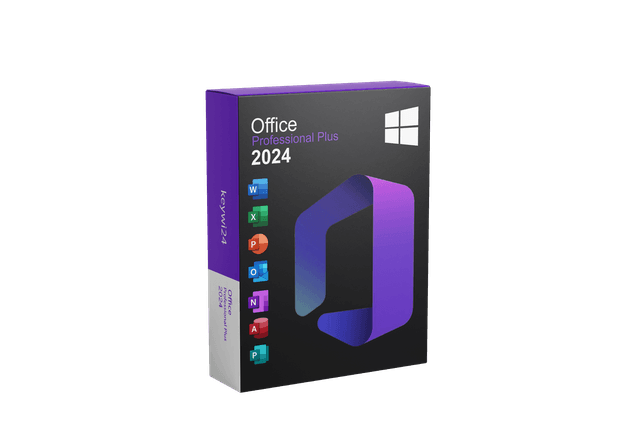
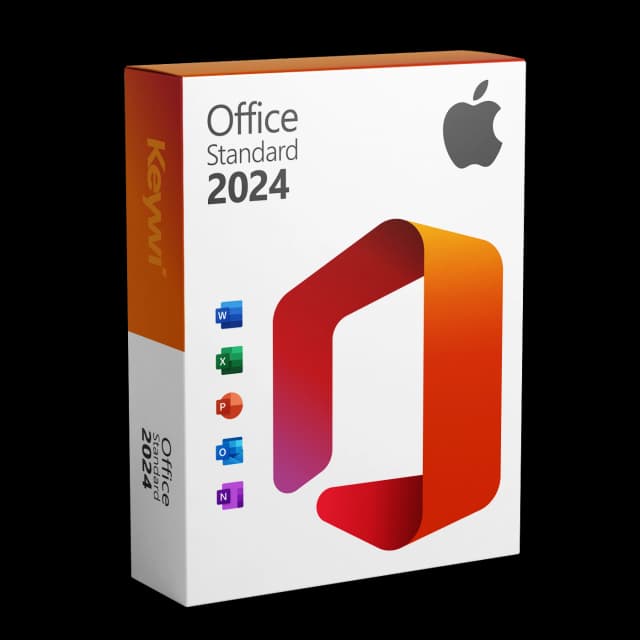
Office 2024: the new standard for the "offline world"
Freshly released in October 2024. With it, Microsoft is targeting users who love Windows 11 and want peace and quiet until October 2029.
- What's new: It supports the OpenDocument Format (ODF) 1.4. This is brilliant if you exchange files with people who use LibreOffice, no more broken formatting!
- Excel & PowerPoint: You can now embed images directly into Excel cells (the
IMAGEfunction) and integrate your webcam feed live into the slide in PowerPoint ("Cameo"). - No more Publisher: Heads up, Microsoft has dropped Publisher. If you need the tool, you'll have to go for Office 2021.
- Outlook: It includes a modernized version of the classic Outlook (Win32). That's good, because the new web-based Outlook in M365 doesn't support many professional plugins.
🛡️ Security doesn't have to cost a fortune, but it does have to be verifiable
At Keywi24 we draw a clear line against the gray market. We don't sell anything whose origin we can't prove without gaps.
- 100% audit-proof: Our licenses withstand any review, important if you also use them professionally.
- No gray area: You get verified software with a documented chain of rights.
- The fair price: On average you save 30 to 40% compared to the original price, without giving up the security of an official specialist retailer.
Microsoft 365: the cloud temptation
The subscription (Single or Family) is powerful. No question. You get 1 TB of cloud storage and the "Copilot" AI (often for an extra fee).
But do you need it?
- Cloud: If you'd rather keep your data locally on the hard drive (keyword: data protection), the forced cloud is more of a risk than a feature.
- AI: Copilot is impressive, but for the private letter to the insurance company? Overkill.
- Mobile: That's the only real advantage. If you absolutely need Excel on the iPad, there's hardly any way around the subscription.
Total Cost of Ownership (TCO) – the real math
Let's do the math. Not with list prices, but with reality. Many users only look at the monthly price ("Oh, 7 euros doesn't hurt"), but forget the long-term costs.
Scenario: use over 5 years (the lifespan of Office 2024)
- Microsoft 365 Single: €70 per year x 5 years = €350.And most importantly: after 5 years you have nothing. If you stop paying, your Office turns into a mere "viewer".
- Office 2024 Standard: One-time about €200 (CHF 119 with us).After 5 years the license is still yours.
- Office 2021 Standard: As a clever license at Keywi24, often considerably cheaper still.
Even if you buy Office 2021 today and upgrade to Office 2027 in three years, you're still hundreds of euros cheaper than with the subscription. Companies call this "Total Cost of Ownership" (TCO). I call it: common sense.
When you SHOULD go for the subscription after all
I'm not a subscription hater, I'm a realist. There are exactly two scenarios where M365 wins:
- The large family: If you share the "Family" package with 6 people. €100 a year divided by 6 users = about €16 per year per head. No buy-once version can compete with that, especially because of the 6 TB of cloud storage.
- Real-time collaboration: If you need to type in the same document simultaneously with colleagues, M365 is unbeatable. The buy-once versions can only do this ("co-authoring") in a very limited way.
Bottom line: don't let yourself be driven crazy
Microsoft's marketing machine wants to convince you that you can no longer work without AI and the cloud. That simply isn't true. The buy-once versions are not "outdated software" but highly specialized tools for people who want to get their work done without the tool constantly changing.
- Choose Office 2019 if you're just looking for the cheapest writing program for an offline PC and can do without Excel magic.
- Choose Office 2021 if you want modern features (XLOOKUP, dark mode) but are looking for the price advantage. It's currently the best deal for 90% of users.
- Choose Office 2024 if you want absolute peace of mind and security updates until 2029 and value ODF compatibility.
After all, you don't buy an excavator when you only want to dig up a flower bed. The buy-once versions, whether 2021 or 2024, are solid spades. They work today, tomorrow and in five years. Without a monthly bill.