Anyone searching for how to "buy Microsoft Office" quickly faces a confusing matrix: Office 2024 or 2021, Home & Business or Professional Plus, one-time purchase or Microsoft 365. Most overviews simply list everything. We take the opposite approach: three questions, asked in the right order, lead you to the right licence. Below them you'll find every edition with a concrete CHF price and two tools that make the choice for you.
Three decision questions: in this order
- Subscription or one-time purchase? The fundamental question. A perpetual licence (one-time purchase) is yours for good, with no recurring costs, and pays off compared with the subscription after roughly three years of use. Microsoft 365 is worthwhile if you want the latest features on an ongoing basis, 1 TB of OneDrive storage and family sharing across multiple devices. For most people who use Word, Excel, PowerPoint and Outlook locally, the perpetual licence is the calmer choice and cheaper in the long run.
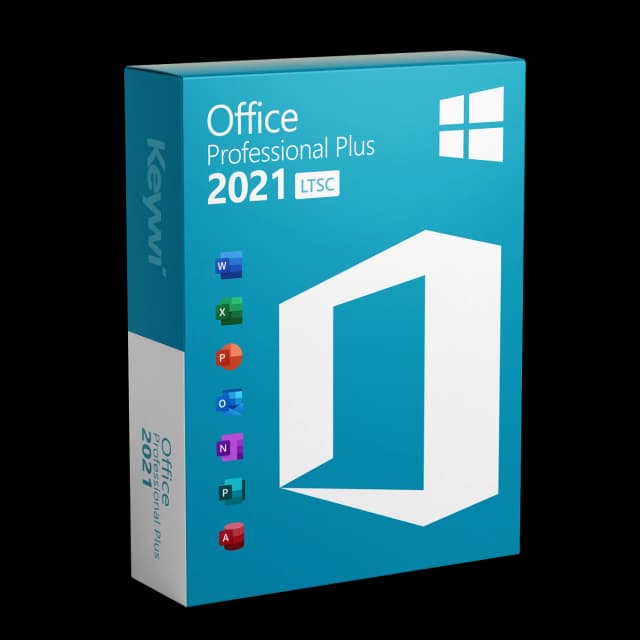
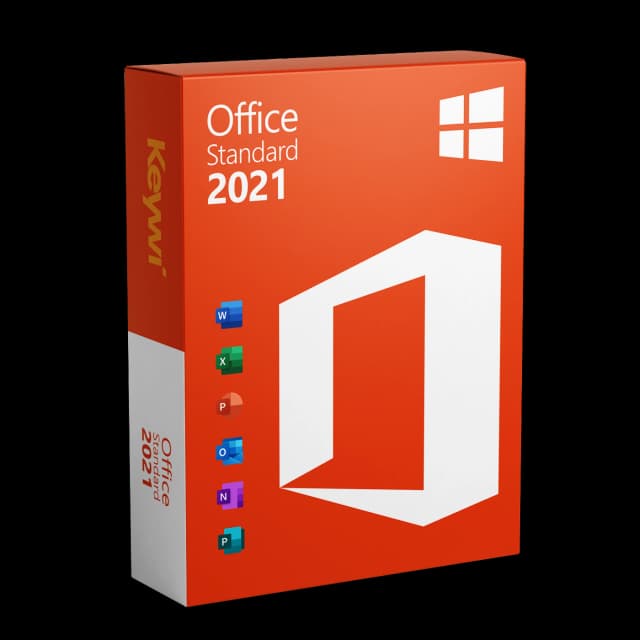
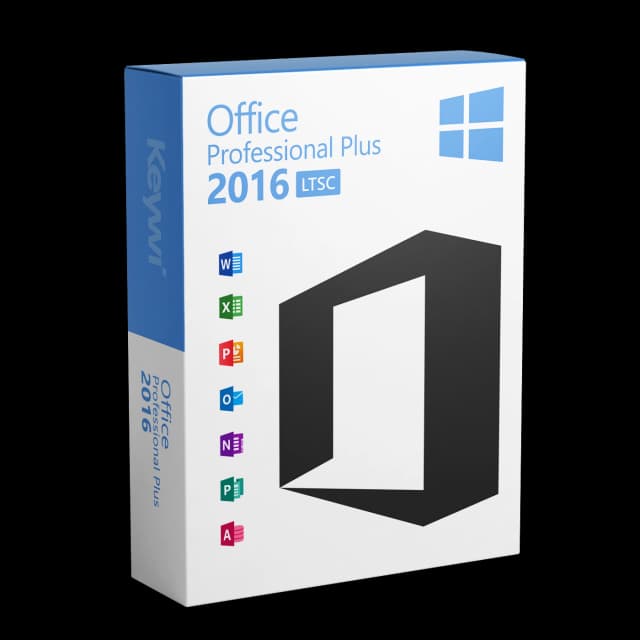
- Which version? Office 2024 is the current perpetual licence and our standard recommendation, with security updates until 9 October 2029. Office 2021 is the predecessor, still with updates until 9 October 2026, a sensible choice on a tight budget or with slightly older hardware. Office 2019 or 2016 only if there's a compelling version-match reason, such as a requirement from industry-specific software. Jumping between major versions means a new purchase, not an upgrade.
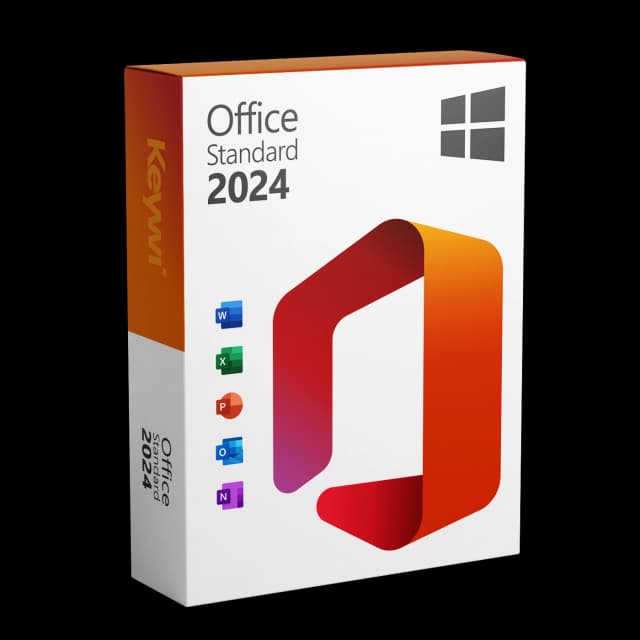
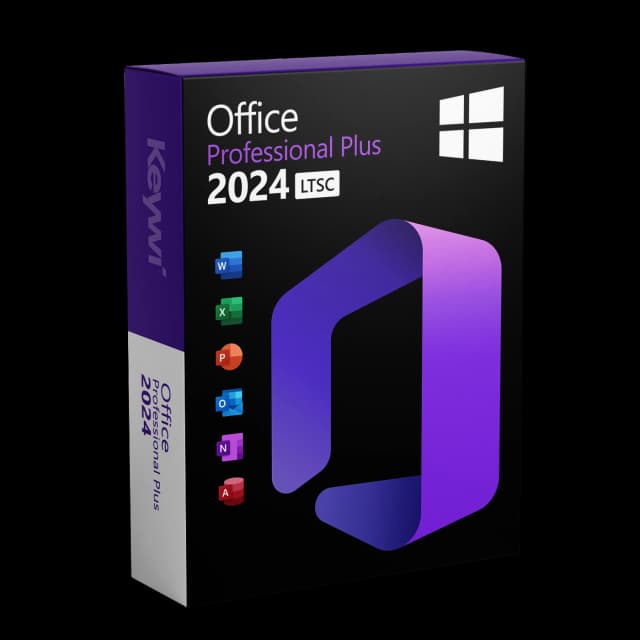
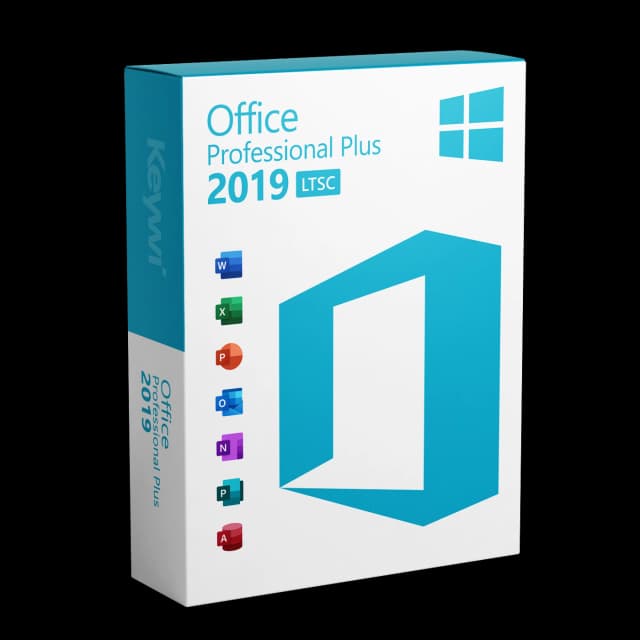
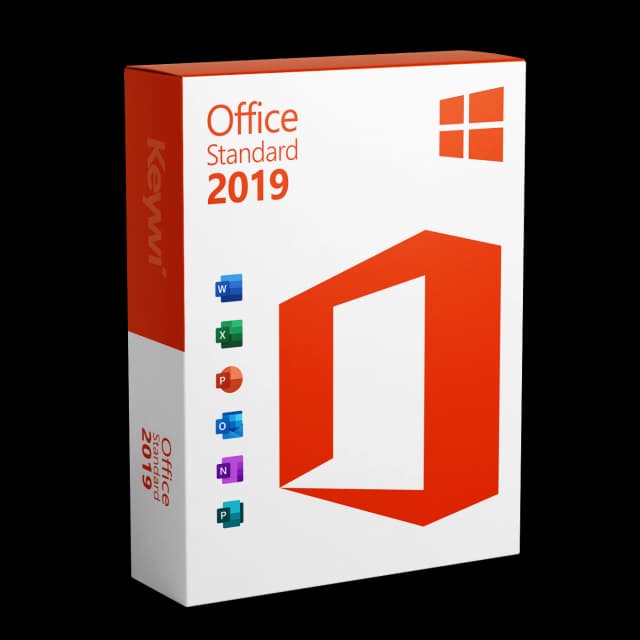
- Which edition? Home & Business covers around 95 percent of all use cases: Word, Excel, PowerPoint and Outlook, ideal for single workstations and small offices. Standard adds Publisher, for anyone who also creates layouts and print templates. Professional Plus is the full package including Access, the typical choice for demanding users and IT departments. When in doubt, Home & Business, and you won't miss anything in day-to-day use.
We've made it easy for you. Instead of working through tables, you answer a few short questions in the Office Finder and get the right edition suggested, including the price. If you'd rather compare yourself, open the comparison view and place all versions side by side. You can start both here: