Perpetual licence vs. Microsoft 365: the honest comparison
| Aspect | Office perpetual licence | Microsoft 365 |
|---|---|---|
| Payment model | One-time purchase | Monthly or yearly |
| Period of use | Permanent (no auto-renewal) | As long as the subscription runs |
| Devices | 1 PC or 1 Mac (per licence) | Up to 5 devices at once (Family) |
| Cloud storage | No OneDrive storage included | 1 TB OneDrive per user |
| Updates | Security updates until EOS | Ongoing feature updates |
| Microsoft account required | No, with a perpetual licence | Yes |
| Worth it if | you use Office as your standard office suite and don't need OneDrive | you want family sharing and need cloud storage |
Which perpetual Office licence suits you
- Office 2024 (recommended). Current version, security updates until 09 October 2029. Editions: Home & Business, Standard, Professional Plus.
- Office 2021. Previous version, still receiving updates until 09 October 2026. Sensible if you are on somewhat older hardware and your budget is tight.
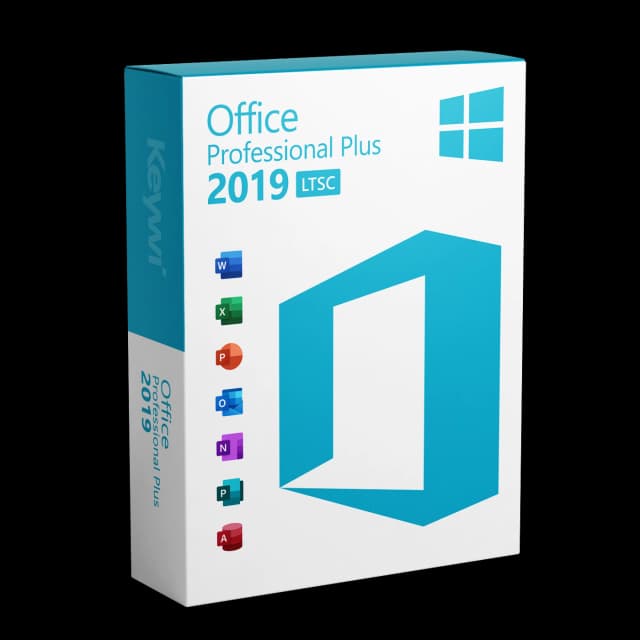
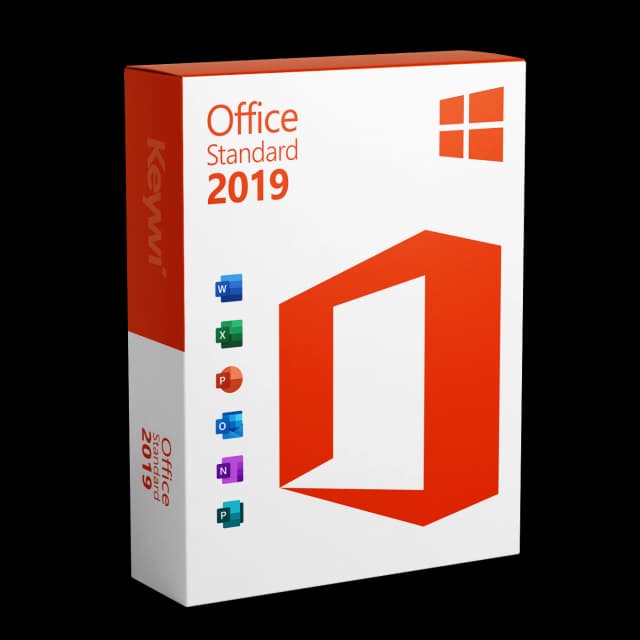
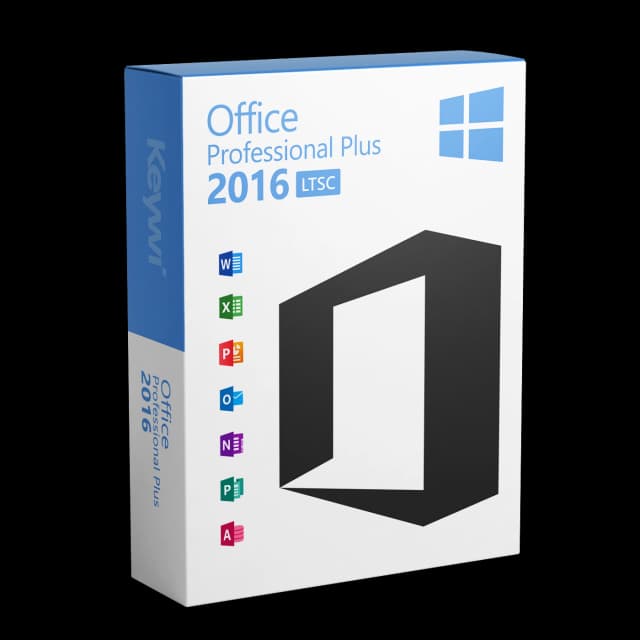
- Office 2019 / 2016. Older versions, limited support. Only buy these if there is a compelling reason to match a specific version (e.g. requirements of an industry-specific software application).